 SyncCrate
Counter-Strike 2 guide · Updated
Your CS2 configs on every PC you play on.
Your autoexec, a practice config for smokes, the match config your team runs on its own server. SyncCrate copies the .cfg files in CS2's cfg folder between PCs, and after the first time only what changed.
FreeOpen sourceNo cloudWin · macOS · Linux
// 01 Why
Why CS2 configs drift apart
A lot of Counter-Strike 2 setup lives in plain text files: an autoexec.cfg with your binds and network settings, a practice config that turns on infinite ammo and grenade trajectories on a private server, and configs a team or LAN admin runs to set up a match. They sit in the game's cfg folder, and they're the first thing that's missing on a laptop, a LAN party PC or after a reinstall.
Teams have the same problem in bulk. When five players each keep their own copy of the practice config, one of them always has last season's version with a bind that no longer does what everyone expects.
SyncCrate syncs the cfg folder from one PC to the others. Files are compared by content, only the differences are copied, and you see the list before anything changes.
// 02 What syncs
What SyncCrate syncs for Counter-Strike 2
| Folder | Path in the game folder | Files |
|---|---|---|
| Configs | cfg/Every .cfg in game/csgo/cfg: your autoexec, practice and server configs. The game's own config.cfg is skipped. | .cfg |
// Where it looks
- Steam
steamapps/common/Counter-Strike Global Offensive/game/csgoin every Steam library, on every drive- Anywhere else
- Point SyncCrate at the folder yourself, once
Built in for Counter-Strike 2
- Turn mods on and off. Disabled mods move to a
_Disabledfolder the game doesn't load. - Game-running warning. SyncCrate warns you before syncing while Counter-Strike 2 is still open.
- Undo and history. Undo the last sync in one click, and put back any single file a sync replaced or deleted.
// 03 How it works
Sync Counter-Strike 2 in three steps
Install and add the game
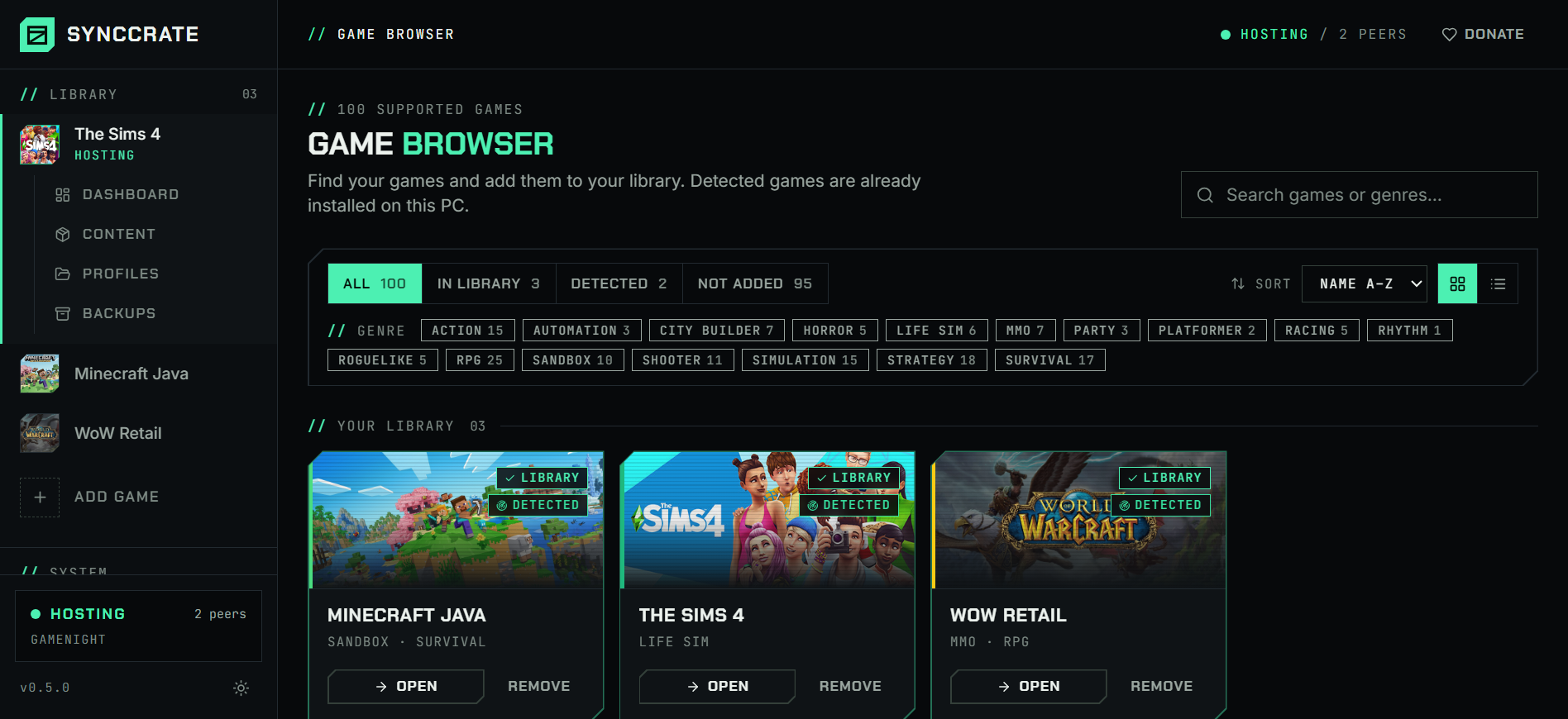
Install SyncCrate on every PC and add Counter-Strike 2 in the Game Browser. Its folder is found automatically.
One PC hosts
The PC with the setup everyone should have clicks Start Hosting. The others pick it under Scan for Hosts on the same network, or paste its join code from anywhere.
Compare and sync
Check the list of new, changed and conflicting files, then Sync Now. Only the files that differ are copied, PC to PC.
TipClose CS2 before syncing. It reads configs when they're executed, and SyncCrate warns you if the game is still running.
// 04 Common problems
When Counter-Strike 2 mods don't match
New PC, no autoexec
Binds, buy binds and viewmodel settings in your autoexec are gone after a fresh install, and retyping them from memory never quite works.
Sync the cfg folder from your main PC and your configs are back, exactly as they were.
Team on different practice configs
A shared practice or retake config only helps when everyone runs the same version on the same private server.
Whoever maintains the configs hosts, and the rest of the team syncs and gets only the files that changed.
LAN admin configs on every PC
At a LAN, the PC running the match needs the match config, and players who want to practice on their own PC need it too.
One PC hosts on the local network and the whole room syncs at LAN speed, without internet.
Overwriting a config you edited
Your autoexec has personal tweaks, and a friend's version shouldn't just replace it.
When the same file changed on both PCs, SyncCrate asks: keep yours, use theirs or keep both. Or add
autoexec.cfgto the exclusions and only sync the shared configs.
// 05 Counter-Strike 2
Good to know
- Only configs sync. SyncCrate copies
.cfgfiles in the cfg folder, nothing else. It doesn't change the game's own files or add anything that runs inside the game. - Workshop maps aren't synced. Steam keeps Workshop items outside the game folder, so SyncCrate can't sync them. Friends subscribe to the same maps; SyncCrate still syncs the configs.
- Settings from the in-game menu are kept in Steam's
userdatafolder for your account, not in these files.config.cfgis skipped on purpose. - Autoexec not running? Many players add
+exec autoexecto CS2's launch options so it runs on every start.
// FAQ
Counter-Strike 2 questions
Where are CS2 config files?
In the game folder under game/csgo/cfg, for example Steam/steamapps/common/Counter-Strike Global Offensive/game/csgo/cfg. SyncCrate finds it in every Steam library.
Can I get banned for syncing configs?
SyncCrate only copies .cfg files, the same text files you'd write yourself, and doesn't change the game. Practice commands that need cheats enabled only work on your own private server anyway.
Can I share my crosshair and binds with a friend?
Binds and settings in a .cfg file, yes: host, your friend syncs and runs the config. For just the crosshair, CS2's own share code is quicker.
Does it sync Workshop maps?
No. Workshop maps are downloaded and kept by Steam, outside the game folder. Everyone subscribes to the same maps, and SyncCrate syncs the configs you run on them.
// Related game guides
All games · SyncCrate supports 100 games.
// Free · Open source · Windows, macOS, Linux
Same Counter-Strike 2 setup on every PC.
Install SyncCrate on each PC, one of you hosts, everyone else joins. No accounts, no cloud, nothing uploaded anywhere.