 SyncCrate
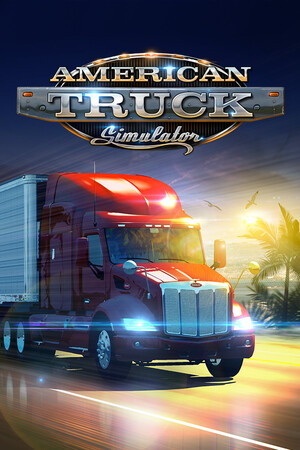
American Truck Simulator guide · Updated
Same ATS mods for every driver.
Convoy with mods works when every driver has what the host's session uses. SyncCrate copies the host's mod folder, and profiles if you want, to each PC, and after the first time only what changed.
FreeOpen sourceNo cloudWin · macOS · Linux
// 01 Why
Why modded ATS Convoy is hard to line up
American Truck Simulator's map mods fill in the gaps between the official states and add whole new regions. They're big, they get updated with every game version, and in Convoy a driver without the host's map can't join or loads into roads that don't exist for them.
Truck and trailer mods, sound packs and traffic mods add more .scs files, and each driver keeping track of which version works with the current patch doesn't last long.
With SyncCrate one PC hosts and the others match it. Mod files are compared by content, only the differences are copied, and everyone sees the list before anything changes.
// 02 What syncs
What SyncCrate syncs for American Truck Simulator
| Folder | Path in the game folder | Files |
|---|---|---|
| Mods | mod/.scs and .zip mods in the mod folder, from anywhere. | .scs .zip |
| Profiles | profiles/Local profiles, with their saves and which mods are active. Optional; each driver's own profile keeps its own folder. | .sii .cfg .txt |
// Where it looks
- Documents folder
American Truck Simulatorinside your Documents folder- macOS
~/Library/Application Support/American Truck Simulator- Linux
~/.local/share/American Truck Simulator- Anywhere else
- Point SyncCrate at the folder yourself, once
Built in for American Truck Simulator
- Turn mods on and off. Disabled mods move to a
_Disabledfolder the game doesn't load. - Duplicate finder. Finds identical files saved in different folders.
- Game-running warning. SyncCrate warns you before syncing while American Truck Simulator is still open.
- Undo and history. Undo the last sync in one click, and put back any single file a sync replaced or deleted.
// 03 How it works
Sync American Truck Simulator in three steps
Install and add the game
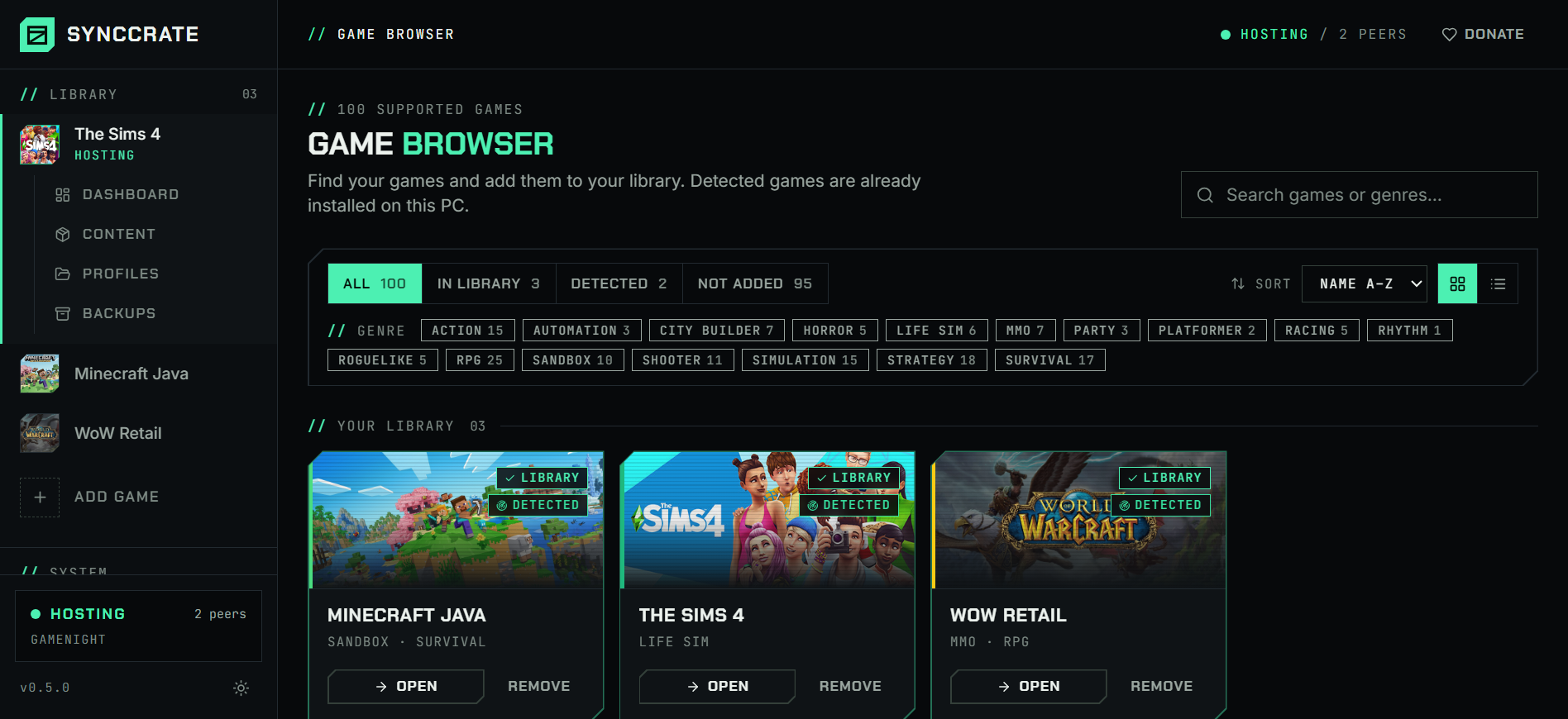
Install SyncCrate on every PC and add American Truck Simulator in the Game Browser. Its folder is found automatically.
One PC hosts
The PC with the setup everyone should have clicks Start Hosting. The others pick it under Scan for Hosts on the same network, or paste its join code from anywhere.
Compare and sync
Check the list of new, changed and conflicting files, then Sync Now. Only the files that differ are copied, PC to PC.
TipEvery driver needs the same game version and the map DLC the host's map mods are built on. SyncCrate copies mods, not DLC.
// 04 Common problems
When American Truck Simulator mods don't match
Map mods that need state DLC
Most American map mods connect to the official states, so they need the right map DLC on every PC, plus the mod itself in the same version.
SyncCrate gives everyone the host's exact map mod files. Each driver buys the DLC themselves.
A driver can't join the convoy
Players missing mods the host's session uses can't join, or end up on a map that doesn't match.
Everyone syncs the host's
modfolder before the convoy starts, so the files match.Crashes after adding one more mod
With dozens of
.scsfiles, finding the one that crashes the game or breaks the map means turning mods off and on for an hour.Find a broken mod turns half of them off, asks whether the problem is still there, and halves again until one is left. Everything goes back on at the end.
The same mod twice
Updating a truck or map mod often leaves the old
.scsnext to the new one under a different name.The duplicate finder on the Content page finds identical files, and removed ones stay in File history.
// 05 American Truck Simulator
Good to know
- Steam Workshop mods live in Steam's own folder and aren't synced. Every driver subscribes to those on the Workshop, and the Content page tells you how many you have.
- Steam Cloud profiles are stored in
steam_profiles, notprofiles, and aren't synced. Turn off Steam Cloud for a profile in the game if you want to share it. - TruckersMP has its own rules on mods. This page is about the game's built-in Convoy.
- Euro Truck Simulator 2 works the same way and is a separate game in SyncCrate.
// FAQ
American Truck Simulator questions
Do all players need the same mods in ATS Convoy?
They need the mods the host's session uses, especially map mods, and the DLC those maps need. Syncing from the host gives every driver the same mod files.
Where is the American Truck Simulator mod folder?
In Documents\American Truck Simulator\mod on Windows, ~/Library/Application Support/American Truck Simulator/mod on a Mac and ~/.local/share/American Truck Simulator/mod on Linux. SyncCrate finds it automatically.
Does it sync Steam Workshop mods?
No. Workshop mods are stored by Steam, outside the game's mod folder. Everyone subscribes to those on the Workshop.
Can I move my ATS profile to another PC?
Yes, if it's a local profile: allow the Profiles folder on the host and sync it. A Steam Cloud profile is in steam_profiles instead, which Steam moves between your own PCs.
// Related game guides
All games · SyncCrate supports 100 games.
// Free · Open source · Windows, macOS, Linux
Same American Truck Simulator setup on every PC.
Install SyncCrate on each PC, one of you hosts, everyone else joins. No accounts, no cloud, nothing uploaded anywhere.