 SyncCrate
Assetto Corsa guide · Updated
Same Assetto Corsa cars for the whole grid.
A private race needs every driver on the same versions of the same mod cars and tracks. SyncCrate copies the host's modded cars and tracks to every friend, and after the first time only what changed.
FreeOpen sourceNo cloudWin · macOS · Linux
// 01 Why
Why modded Assetto Corsa races fall apart
Assetto Corsa lives on mods: hundreds of cars and tracks from different sites, many of them updated now and then. A server checks that players' car and track files match its own, and a driver with an older version of a mod car or track can't join, or joins with a car that doesn't match anyone else's.
Getting a league or a group of friends onto the same content usually means a shared drive full of archives and a lot of "which version do you have?" in chat.
SyncCrate keeps one PC as the host and makes the others match it. It compares every file in content/cars and content/tracks by content, copies only what's different, and shows you the list before anything changes.
// 02 What syncs
What SyncCrate syncs for Assetto Corsa
| Folder | Path in the game folder | Files |
|---|---|---|
| Cars | content/cars/Mod cars, one folder each. Kunos cars (ks_…), including DLC cars, are skipped, so paid content is never copied. | All files |
| Tracks | content/tracks/Mod tracks, one folder each. Kunos tracks (ks_…) are skipped the same way. | All files |
// Where it looks
- Steam
steamapps/common/assettocorsain every Steam library, on every drive- Anywhere else
- Point SyncCrate at the folder yourself, once
Built in for Assetto Corsa
- Script warnings.
.pyfiles run code on your PC, so they're flagged for you to review before they sync. - Turn mods on and off. Disabled mods move to a
_Disabledfolder the game doesn't load. - Game-running warning. SyncCrate warns you before syncing while Assetto Corsa is still open.
- Undo and history. Undo the last sync in one click, and put back any single file a sync replaced or deleted.
// 03 How it works
Sync Assetto Corsa in three steps
Install and add the game
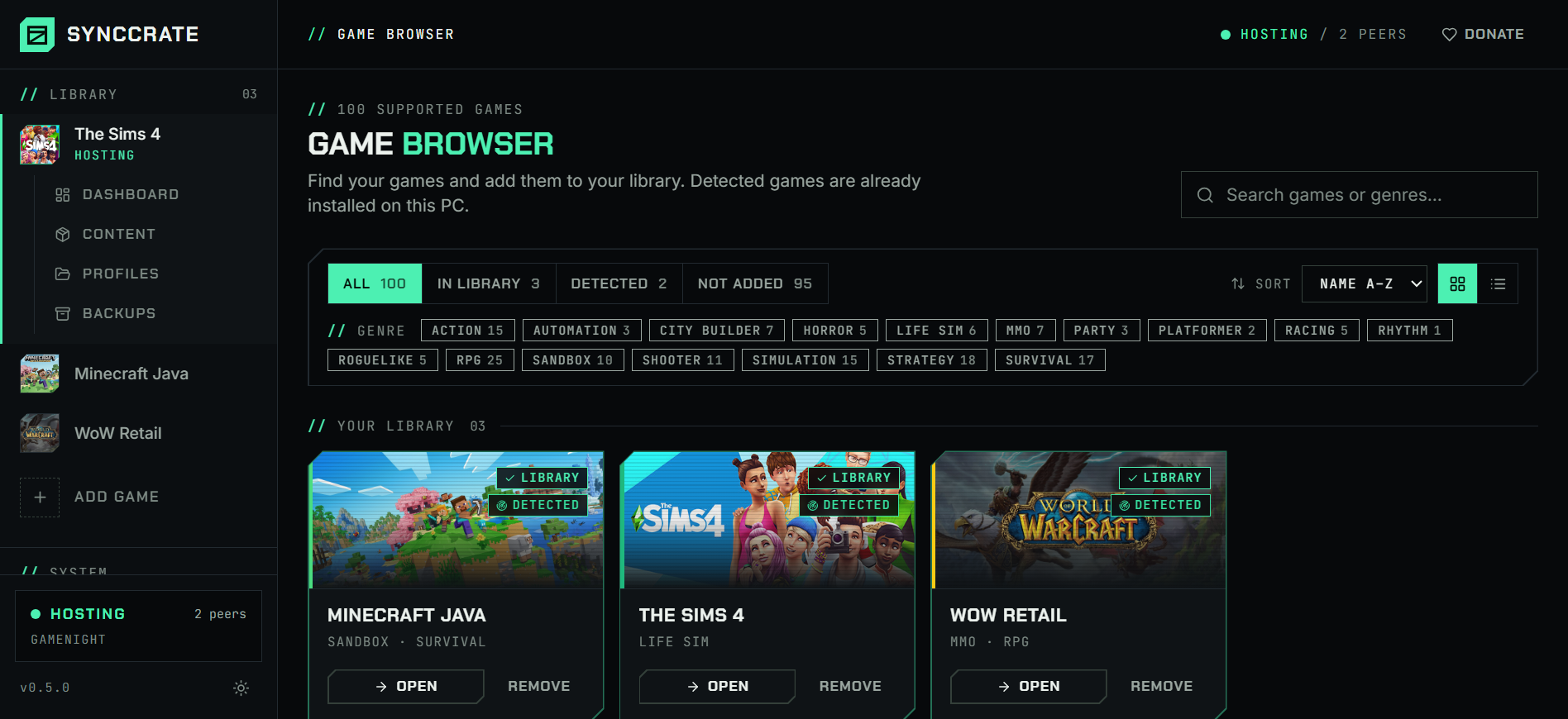
Install SyncCrate on every PC and add Assetto Corsa in the Game Browser. Its folder is found automatically.
One PC hosts
The PC with the setup everyone should have clicks Start Hosting. The others pick it under Scan for Hosts on the same network, or paste its join code from anywhere.
Compare and sync
Check the list of new, changed and conflicting files, then Sync Now. Only the files that differ are copied, PC to PC.
TipClose Assetto Corsa and Content Manager on the receiving PC before syncing. SyncCrate warns you if either is still running.
// 04 Common problems
When Assetto Corsa mods don't match
Checksum mismatch when joining
Servers compare car and track files, and a different version of a mod on one PC keeps that driver out.
Everyone syncs the host's cars and tracks before the race, so the files match exactly.
A mod car got an update
One driver updating a car on their own is enough to split the grid.
The host updates once, and everyone else syncs and gets only the changed files.
Gigabytes of tracks
Laser-scanned and detailed tracks are big, and sending the whole collection again for one new car wastes an evening.
Files are compared by hash and only the differences are copied, at local network speed when you're in the same room.
Official content in the mix
Copying the whole content folder would also copy Kunos cars and DLC tracks to someone who doesn't own them.
Folders that start with
ks_are skipped, so only mod content syncs.
// 05 Assetto Corsa
Good to know
- Content Manager and Custom Shaders Patch are installed on each PC. CSP lives in the game's
extensionfolder, which isn't synced, so everyone should run a version the mods need. - Skins come along because they live inside each car's folder. Apps, controls and graphics settings stay yours: only
content/carsandcontent/trackssync. - DLC isn't copied. Official DLC cars and tracks need to be owned on each PC.
// FAQ
Assetto Corsa questions
How do I share my Assetto Corsa mods with friends?
Install SyncCrate on every PC. You host, friends join with your code or from Scan for Hosts on the same network, then Compare & Sync. Each friend gets your mod cars and tracks.
Does it copy Kunos cars and DLC?
No. Cars and tracks whose folder starts with ks_, which covers the official content, are skipped.
Does it work with Content Manager?
Yes. Content Manager installs mods into the same content folders SyncCrate syncs, so synced cars and tracks show up in it.
Can I get a whole league on the same content?
Yes. There's no fixed limit on friends per host, and each driver syncs on their own whenever they're ready. They share the host's upload while syncing at the same time.
// Related game guides
All games · SyncCrate supports 100 games.
// Free · Open source · Windows, macOS, Linux
Same Assetto Corsa setup on every PC.
Install SyncCrate on each PC, one of you hosts, everyone else joins. No accounts, no cloud, nothing uploaded anywhere.