 SyncCrate
Garry's Mod guide · Updated
Same Garry's Mod addons before anyone joins.
Fewer ERROR models and missing textures on your server. SyncCrate copies the host's legacy addons, custom maps and saves to every friend, and after the first time only what changed.
FreeOpen sourceNo cloudWin · macOS · Linux
// 01 Why
Why your friends see ERROR signs
Garry's Mod shows content only when the PC looking at it has the files. A friend without the addon that adds a model sees a red ERROR sign, and a missing texture turns into the purple and black checkerboard everyone knows. Custom maps are the same: a player without the .bsp has to download it from your server first, or can't join.
Workshop content downloads on its own when a server is set up for it. Everything else, like addons you extracted by hand, maps from modding sites, your own work in progress and saved contraptions, has to be copied to every player, and in-game downloads for big content are slow.
With SyncCrate one PC hosts and the others match it. Files are compared by content, only the differences are copied, and everyone sees the list before anything changes.
// 02 What syncs
What SyncCrate syncs for Garry's Mod
| Folder | Path in the game folder | Files |
|---|---|---|
| Addons | addons/Legacy addons in garrysmod/addons: extracted addon folders and .gma files you put there yourself. | All files |
| Maps | maps/Custom maps (.bsp) in garrysmod/maps. The game's own gm_construct and gm_flatgrass are skipped. | .bsp |
| Saves | saves/Saves from the spawn menu, so a friend can load the exact build you made. | All files |
// Where it looks
- Steam
steamapps/common/GarrysMod/garrysmodin every Steam library, on every drive- Anywhere else
- Point SyncCrate at the folder yourself, once
Built in for Garry's Mod
- Script warnings.
.luafiles run code on your PC, so they're flagged for you to review before they sync. - Turn mods on and off. Disabled mods move to a
_Disabledfolder the game doesn't load. - Game-running warning. SyncCrate warns you before syncing while Garry's Mod is still open.
- Undo and history. Undo the last sync in one click, and put back any single file a sync replaced or deleted.
// 03 How it works
Sync Garry's Mod in three steps
Install and add the game
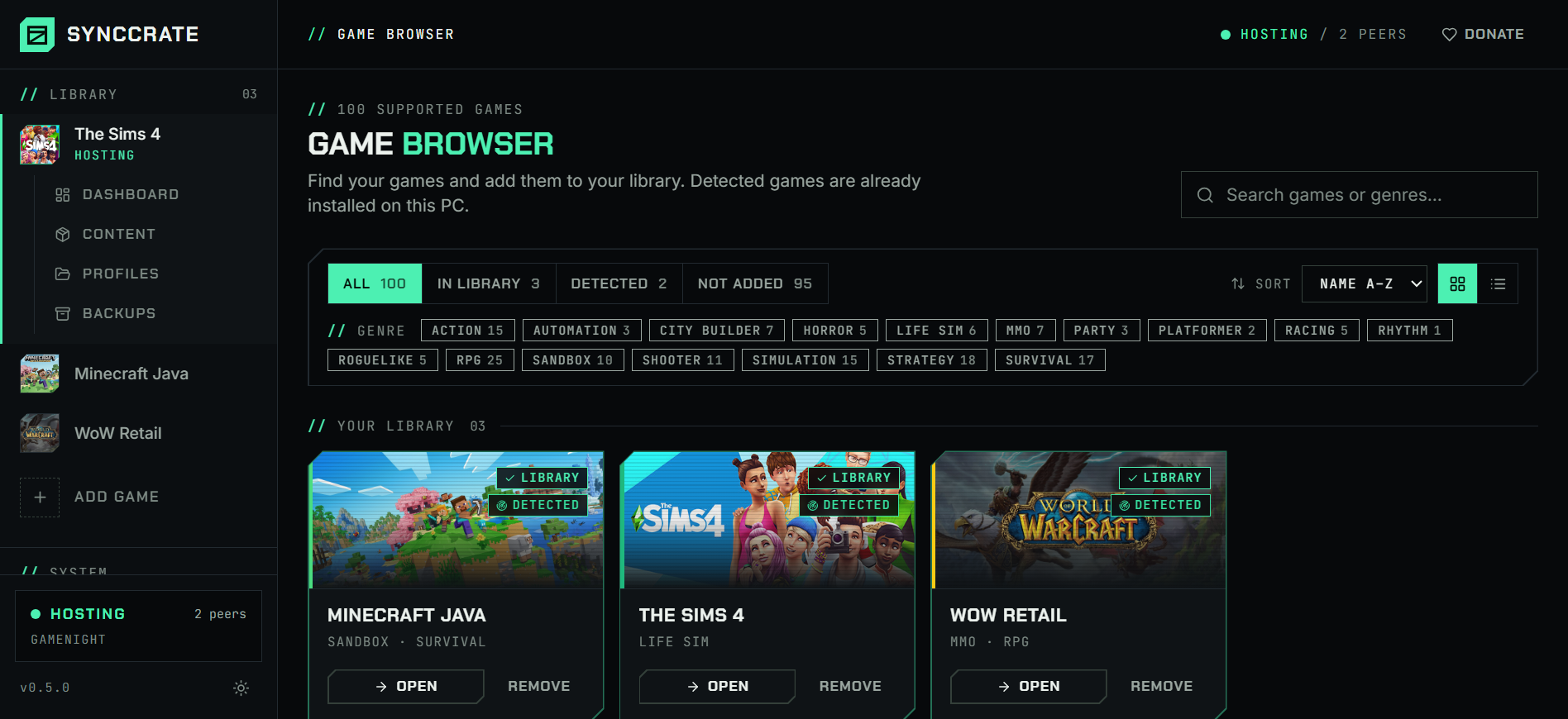
Install SyncCrate on every PC and add Garry's Mod in the Game Browser. Its folder is found automatically.
One PC hosts
The PC with the setup everyone should have clicks Start Hosting. The others pick it under Scan for Hosts on the same network, or paste its join code from anywhere.
Compare and sync
Check the list of new, changed and conflicting files, then Sync Now. Only the files that differ are copied, PC to PC.
TipClose Garry's Mod before syncing. SyncCrate warns you if it's still running, because the game only picks up new addons on start.
// 04 Common problems
When Garry's Mod mods don't match
ERROR models and missing textures
Props, player models and textures from an addon only show up for players who have it.
Everyone syncs the host's addons before joining, so what you see on the host is what they see.
Custom map downloads on join
Joining a server on a map you don't have means waiting for the download, and a slow one can time out.
Maps sync from the host beforehand, at LAN speed on the same network.
Sharing a build
A contraption, dupe or scene you saved exists only on your PC, and describing which addons it needs is half the job.
Sync the saves folder and the addons together, so a friend can load it exactly as you built it.
Addons run Lua
Garry's Mod addons are Lua code that runs in the game, and a bad one can do more than spawn props.
.luafiles are flagged before they sync, and nothing changes until you approve the list. Only sync with people you trust.
// 05 Garry's Mod
Good to know
- Workshop addons aren't synced. Steam keeps subscribed Workshop items outside
garrysmod/addons, so SyncCrate can't sync them. Friends subscribe to the same items, or your server's Workshop collection sends them; SyncCrate syncs everything in the addons, maps and saves folders. - Mounted games aren't copied. Content from other Source games (like Counter-Strike: Source textures) comes from owning and installing those games. SyncCrate only copies the three Garry's Mod folders.
- Dedicated server? The server needs the same addons and maps. If it runs on a PC with SyncCrate, point SyncCrate at the server's
garrysmodfolder and sync it too.
// FAQ
Garry's Mod questions
Where do Garry's Mod addons and maps go?
Legacy addons go in GarrysMod/garrysmod/addons, custom maps in GarrysMod/garrysmod/maps, inside the Steam install folder. SyncCrate finds it in every Steam library.
How do I fix missing textures in Garry's Mod?
The checkerboard usually means content from another game or an addon is missing. Addons and maps SyncCrate can sync from a friend who sees everything correctly. Textures from games like Counter-Strike: Source need that game installed and mounted.
Does it sync Workshop subscriptions?
No. Workshop items are downloaded and kept by Steam, outside the game's addons folder. Everyone subscribes to the same collection. SyncCrate is for the addons, maps and saves that aren't on the Workshop, or that you changed.
Can I share addons at a LAN party without internet?
Yes. On a local network SyncCrate finds the host by itself and copies addons and maps PC to PC. Workshop items need internet, so sync those at home first.
// Related game guides
All games · SyncCrate supports 100 games.
// Free · Open source · Windows, macOS, Linux
Same Garry's Mod setup on every PC.
Install SyncCrate on each PC, one of you hosts, everyone else joins. No accounts, no cloud, nothing uploaded anywhere.