 SyncCrate
The Witcher 3: Wild Hunt guide · Updated
Your Witcher 3 mods on another PC.
Give a friend your modded Continent, or move it to a new PC. SyncCrate copies the game's mods folder and the mod settings menus, and after the first time only what changed.
FreeOpen sourceNo cloudWin · macOS · Linux
// 01 Why
Why moving a Witcher 3 mod setup is fiddly
A modded Witcher 3 is more than a mods folder. Script Merger combines conflicting mods into its own merged mod, and many mods add settings menus to the game's config folder. Rebuilding that by hand on another PC means installing every mod again and running the merge again.
SyncCrate copies the mods folder, merged files included, and the folder where mod menus live. Files are compared by content, only the differences are copied, and you see the list before anything changes.
// 02 What syncs
What SyncCrate syncs for The Witcher 3: Wild Hunt
| Folder | Path in the game folder | Files |
|---|---|---|
| Mods | mods/Every modXXX folder, including Script Merger's mod0000_MergedFiles. | All files |
| Mod Menus | bin/config/r4game/user_config_matrix/pc/Mod settings menus (.xml) in bin/config/r4game/user_config_matrix/pc. | .xml |
// Where it looks
- Steam
steamapps/common/The Witcher 3in every Steam library, on every drive- Windows
C:\GOG Games\The Witcher 3 Wild Hunt- Anywhere else
- Point SyncCrate at the folder yourself, once
Built in for The Witcher 3: Wild Hunt
- Turn mods on and off. Disabled mods move to a
_Disabledfolder the game doesn't load. - Game-running warning. SyncCrate warns you before syncing while The Witcher 3: Wild Hunt is still open.
- Undo and history. Undo the last sync in one click, and put back any single file a sync replaced or deleted.
// 03 How it works
Sync The Witcher 3: Wild Hunt in three steps
Install and add the game
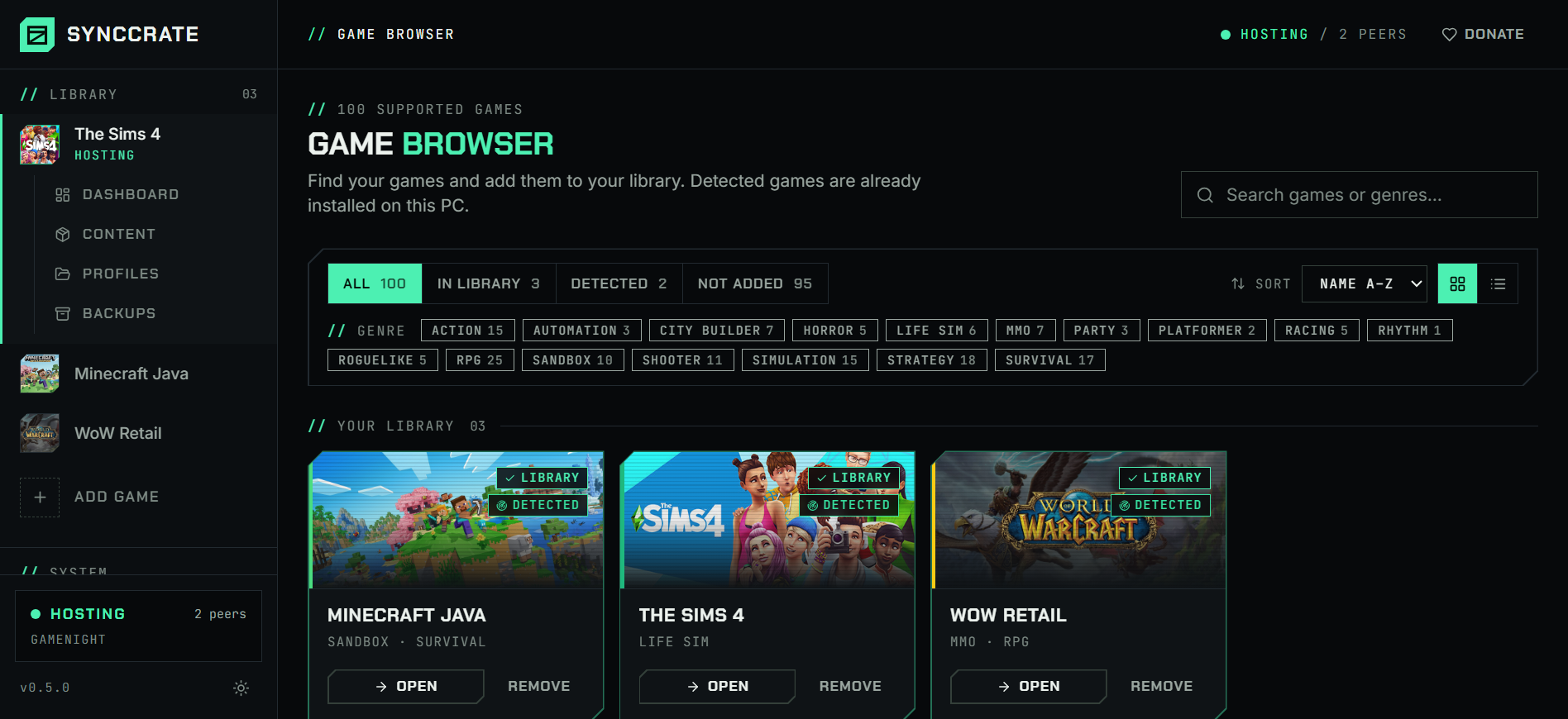
Install SyncCrate on every PC and add The Witcher 3: Wild Hunt in the Game Browser. Its folder is found automatically.
One PC hosts
The PC with the setup everyone should have clicks Start Hosting. The others pick it under Scan for Hosts on the same network, or paste its join code from anywhere.
Compare and sync
Check the list of new, changed and conflicting files, then Sync Now. Only the files that differ are copied, PC to PC.
TipBoth PCs need the same game version. Mods for the next-gen update (4.0 and later) and for the classic version (1.32) don't mix.
// 04 Common problems
When The Witcher 3: Wild Hunt mods don't match
Merged scripts on the other PC
Script Merger's result is a mod of its own. Copy the mods without it and conflicting mods break.
mod0000_MergedFilesis in the mods folder and syncs with everything else, so the other PC gets the same merge.Mod menus missing
Many mods add their options to the game's menus with
.xmlfiles in the config folder. Without them the options simply aren't there.The mod menu folder is its own group in SyncCrate, so those files come along.
Keybinds added by mods
Some mods ask you to add lines to
input.settingsin your Documents folder, which lives outside the game folder.SyncCrate doesn't copy your settings files. On the other PC, add those lines once as the mod's instructions say.
Files in the dlc folder
A few mods also install files into the game's
dlcfolder or intobin. Those aren't part of the mods folder.SyncCrate syncs
modsand the mod menu folder. For mods that use other folders, follow their install steps on the other PC too.
// 05 The Witcher 3: Wild Hunt
Good to know
- Steam or GOG: SyncCrate finds Steam installs in every library and the default GOG folder. For others, point it at the game folder once.
- Saves and settings stay yours. Saves and
user.settingslive in Documents and aren't synced. - The official DLC (Hearts of Stone, Blood and Wine) is part of each game install and isn't copied.
// FAQ
The Witcher 3: Wild Hunt questions
Can I copy my Witcher 3 mods to another PC?
Yes. Install SyncCrate on both PCs, host on the one with your mods, join from the other and Compare & Sync. The mods folder and mod menus are copied directly between the PCs.
Do I need to run Script Merger again?
Not if the merged mod is up to date on the host: mod0000_MergedFiles is copied like any other mod. Run it on the host after adding or updating mods, then sync.
Does it work with Vortex or The Witcher 3 Mod Manager?
Yes. Both install mods into the game's mods folder, which is what SyncCrate syncs.
// Related game guides
All games · SyncCrate supports 100 games.
// Free · Open source · Windows, macOS, Linux
Same The Witcher 3: Wild Hunt setup on every PC.
Install SyncCrate on each PC, one of you hosts, everyone else joins. No accounts, no cloud, nothing uploaded anywhere.